Send a password reset email to an employee
Use the People tab to send a password reset email to an employee. This is useful if the employee has lost or forgotten their password.
- Open the People tab.
- Use the Search field to locate the record that you want to work with. Enter any term shown under the column headers (Name, Job Title, etc):
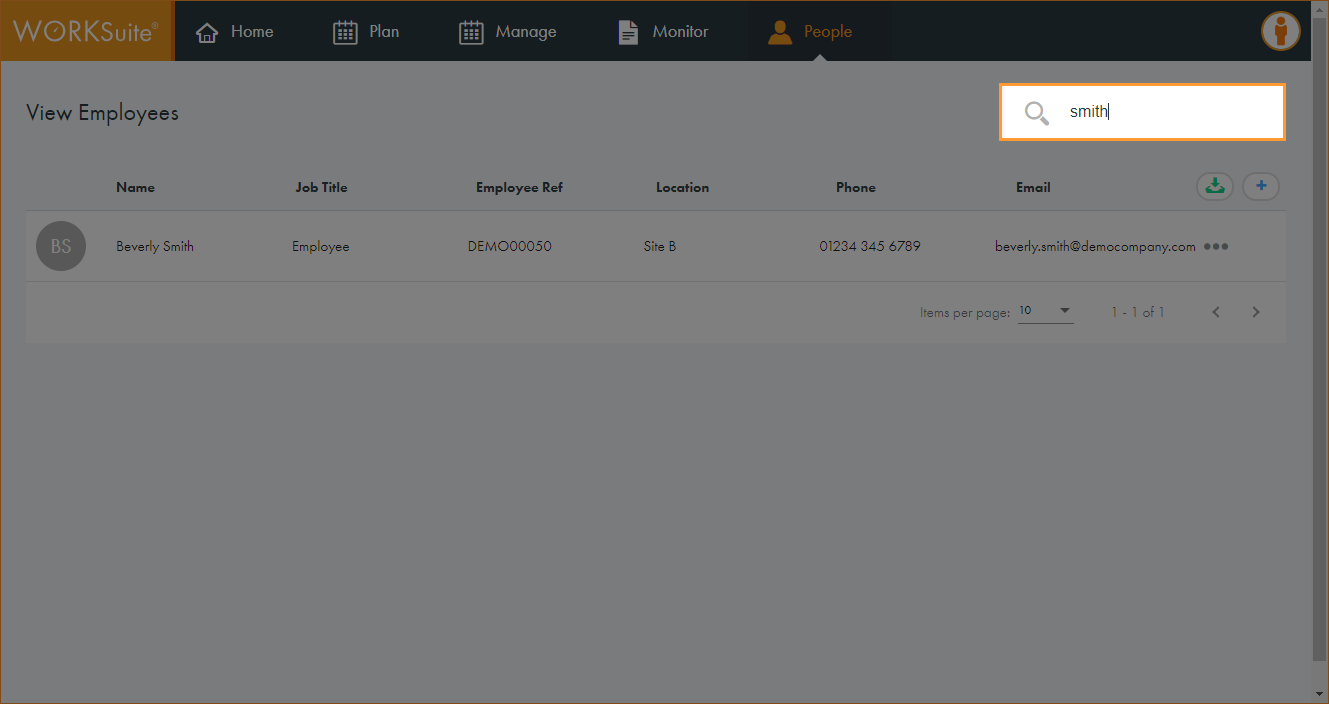
The records filter automatically.
- Click in any of the column headers to sort the records as required.
- Click … in the record that you want to work with and select Send Password Reset.
The employee is sent a reset link to their logged email address. The link expires after 24 hours if not used.